
Variables and types (and which one to pick)
A practical introduction to Java variables, primitive types, and conversions, with advice on which type to pick.
 Alexander Claes
5 min read
Alexander Claes
5 min read
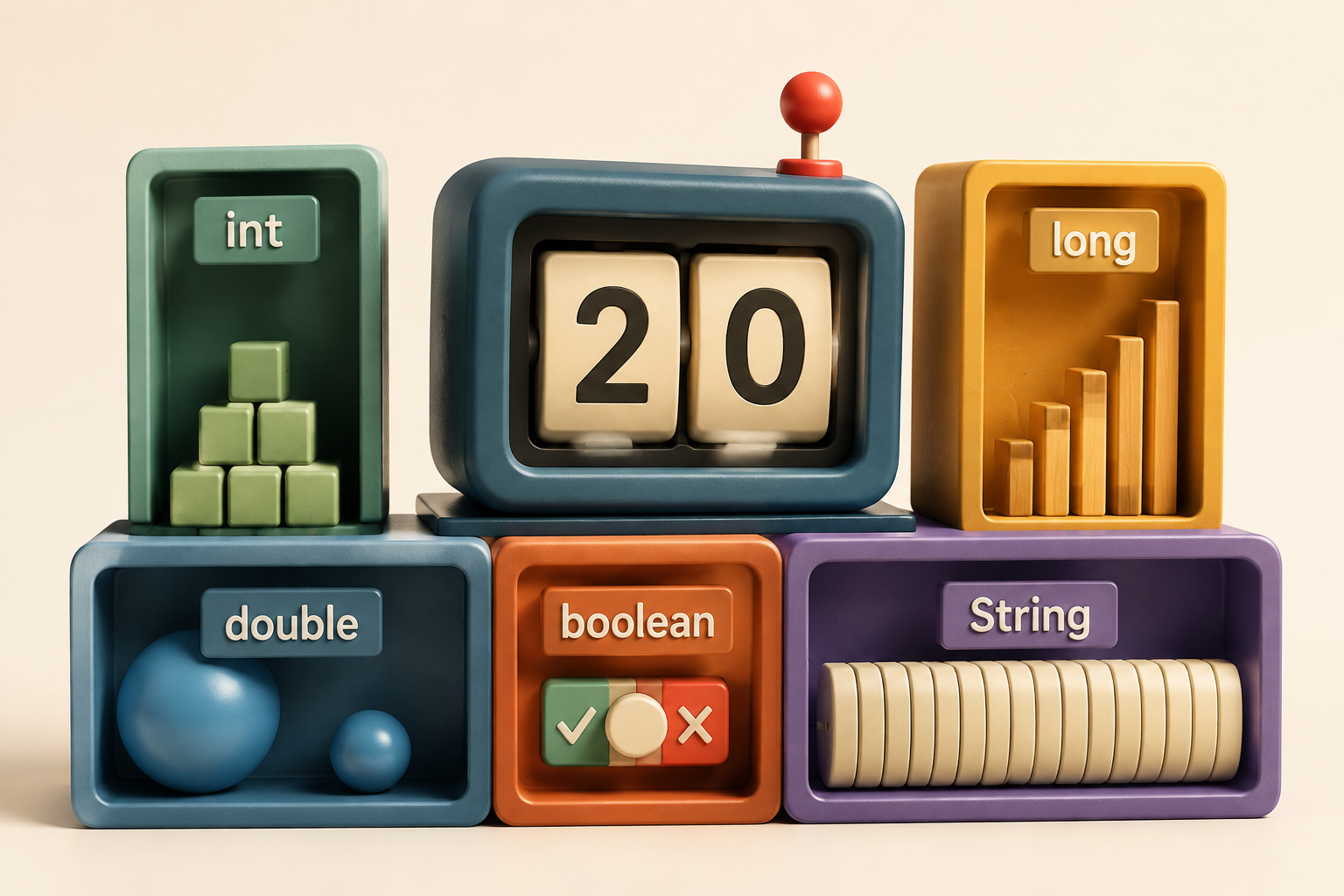
First things first: Java variables usually use lower camel case, meaning they lookSomethingLikeThis. A readable name is a good start, but Java also wants to know what kind of value you’re putting in there.
Java is statically typed. Unlike JavaScript, it checks types at compile time. Once a variable has a type, you can’t suddenly use it for something else. A bit more work upfront, but it also means the compiler can catch mistakes before you run the code.
Declaring a variable
int playerScore = 20;Here, int is the type, playerScore is the name, and 20 is the initial value. You can change the score later, as long as the new value fits the type.
You can also declare a local variable and assign its value on another line. Just make sure you assign it before reading it:
int playerScore;
playerScore = 20;
System.out.println(playerScore);
Leave out the assignment and this won’t compile. That rule applies to local variables, such as those inside a method. Fields and array elements do get default values; an int field, for example, starts at 0.
Primitive integer types
Brace yourselves, this isn’t TypeScript anymore. Instead of one number type, Java gives us several options. For whole numbers, these are:
byte: 8 bits, from −128 to 127.short: 16 bits, from −32,768 to 32,767.int: 32 bits, from −2,147,483,648 to 2,147,483,647.long: 64 bits, from −263 to 263 − 1.
So which one do you pick? For ordinary counters and whole-number calculations, int is a good default. Use long when the values could outgrow it. You’ll mostly reach for byte or short when working with binary data, a specific API, or large arrays where storage matters.
int playerScore = 20;
long totalPoints = 3_000_000_000L;
The L makes that second number a long literal. The underscores just make it easier to read. Also, picking a type doesn’t protect you from every mistake: integer arithmetic can overflow if the result goes beyond its range.
Basic arithmetic operators
Now that we have some numbers, let’s do something with them. The usual operators are all here:
+for addition.-for subtraction.*for multiplication./for division.%for the remainder.
int totalPoints = 25;
int playerCount = 4;

int pointsPerPlayer = totalPoints / playerCount; // 6
int remainingPoints = totalPoints % playerCount; // 1
That division gives us 6, not 6.25. When both operands are integers, Java performs integer division and truncates towards zero. Assigning the result to a double afterwards won’t bring the missing fraction back. We’ll fix that in a moment.
Primitive floating-point types
If we need digits after the decimal point, we have two more options:
float: 32 bits, roughly 6–7 significant decimal digits of precision.double: 64 bits, roughly 15–16 significant decimal digits of precision.
For general decimal calculations, double is the usual choice. Use float when an API requires it or you have a specific reason to use less storage, for example in a large array. Those precision figures refer to the whole number, not just the digits after the decimal point.
double scoreMultiplier = 1.5;
float bonusMultiplier = 1.5F;
A decimal literal like 1.5 is a double by default. The F tells Java we want a float. You can also write D for a double, but it’s usually unnecessary.
One catch: neither type represents every decimal fraction exactly. For example, 0.1 + 0.2 produces 0.30000000000000004. For money, BigDecimal is generally a better fit. Construct it from a decimal string, such as new BigDecimal("0.1"), to avoid importing a floating-point approximation. You still need to decide how to round when an operation requires it.
Type conversions
Let’s give our player a score multiplier:
int playerScore = 20;
float boostedScore = playerScore * 1.5; // Does not compile
Looks reasonable, right? The problem is that 1.5 is a double. Java promotes playerScore to double for the multiplication, so the result is also a double. It won’t implicitly narrow that result to float, because doing so can lose precision or range.
If we don’t specifically need a float, the straightforward solution is to keep the result as a double:
int playerScore = 20;
double boostedScore = playerScore * 1.5;
If we do need a float, we can use the literal suffix:
int playerScore = 20;
float boostedScore = playerScore * 1.5F;
Or explicitly cast the result:
int playerScore = 20;
float boostedScore = (float) (playerScore * 1.5);
Both compile, but they take different routes: the suffix makes the multiplication happen with float operands; the cast converts the double result afterwards. A cast tells Java to allow the conversion. It doesn’t promise that nothing will be lost.
Remember our points-per-player calculation? Here, a cast lets us keep the fractional part by converting an operand before division:
int totalPoints = 25;
int playerCount = 4;

double pointsPerPlayer = (double) totalPoints / playerCount; // 6.25
The placement matters. Writing (double) (totalPoints / playerCount) would perform integer division first and give us 6.0.
Letting Java infer the type
Since Java 10, you can also use var for local variables with an initializer:
var playerScore = 20; // int
var scoreMultiplier = 1.5; // double
This saves you from writing the type, but it doesn’t make Java dynamically typed. The compiler infers int for playerScore, and that stays its type. You can’t assign a string to it later. Use var when the type is clear from the value; spell it out when that makes the code easier to follow. It isn’t a replacement for field types or method return types.
What about text and booleans?
We’ve covered six of Java’s eight primitive types. The remaining two are:
char: a 16-bit UTF-16 code unit. It can hold a value like'A', but some Unicode characters, including many emoji, need twocharvalues.boolean: eithertrueorfalse. Java does not define it as a one-bit storage type.
char playerInitial = 'A';
boolean gameOver = false;
String playerName = "Alex";
Notice the quotes: single quotes for a char, double quotes for a String. Strings aren’t primitive types. Java distinguishes primitive types from reference types, and String is a class, so a String variable has a reference type.
You don’t need to agonise over all eight primitives every time you declare a variable. Start with int for whole numbers, long when you need more range, and double for general decimal calculations. Add boolean for yes-or-no values and String for text, and you’ve covered a lot of everyday code already.